 Chatbots9.2
The One AI Serious Writers & Coders Keep Coming Back To
Our top pick for writing and serious coding.

The easiest AI coding assistant to adopt on day one, thanks to tight integration directly inside your code editor.
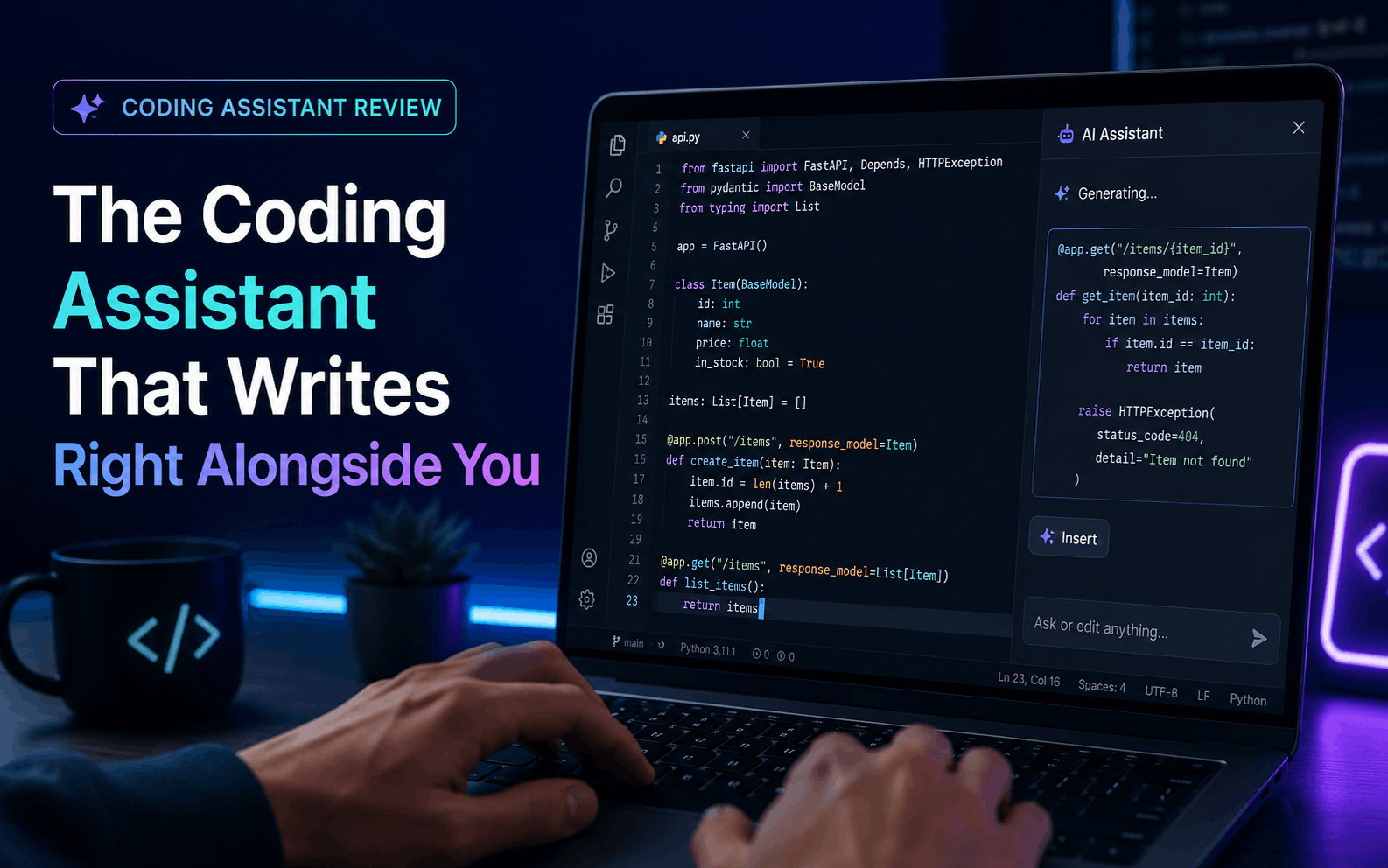
The simplest way to get AI assistance into your actual coding workflow without changing how you work.
Developers who want AI help without leaving their existing editor, on mainstream languages and frameworks.
Large-scale, multi-file refactors or fully autonomous project work, where a dedicated coding agent tends to perform better.
GitHub Copilot's biggest advantage isn't raw intelligence, it's placement. Suggestions appear directly in the line you're writing, so there's none of the copy-paste friction of switching to a separate chat window and back. For day-to-day coding, that convenience adds up fast.
We tested it across a handful of everyday tasks — boilerplate setup, writing tests, fixing a broken function — and it handled the routine, well-documented parts of the job comfortably. It's at its best on popular languages and frameworks with plenty of public code for the underlying model to have learned from.
Where it's less convincing is on bigger, structural work. If you're refactoring across many files or planning a larger architecture change, a dedicated project-level coding agent tends to hold more context and make more coherent decisions across the whole codebase than an in-line autocomplete tool can.
The chat mode built into Copilot is a solid bonus feature — useful for asking “what does this function do” or getting a plain-language explanation of an error, without needing to leave your editor at all.
| Plan | Price | What you get |
|---|---|---|
| Individual | $10/mo | In-editor autocomplete and chat across supported IDEs |
| Business | Per-seat pricing | Team policy controls and centralised billing |
GitHub Copilot's 8.4 reflects excellent everyday usability rather than the single most powerful coding output available. For most developers doing typical day-to-day work, the frictionless in-editor experience makes it an easy recommendation, even if a heavier tool wins on the biggest, most complex jobs.
Chatbots9.2Our top pick for writing and serious coding.
 Chatbots8.9
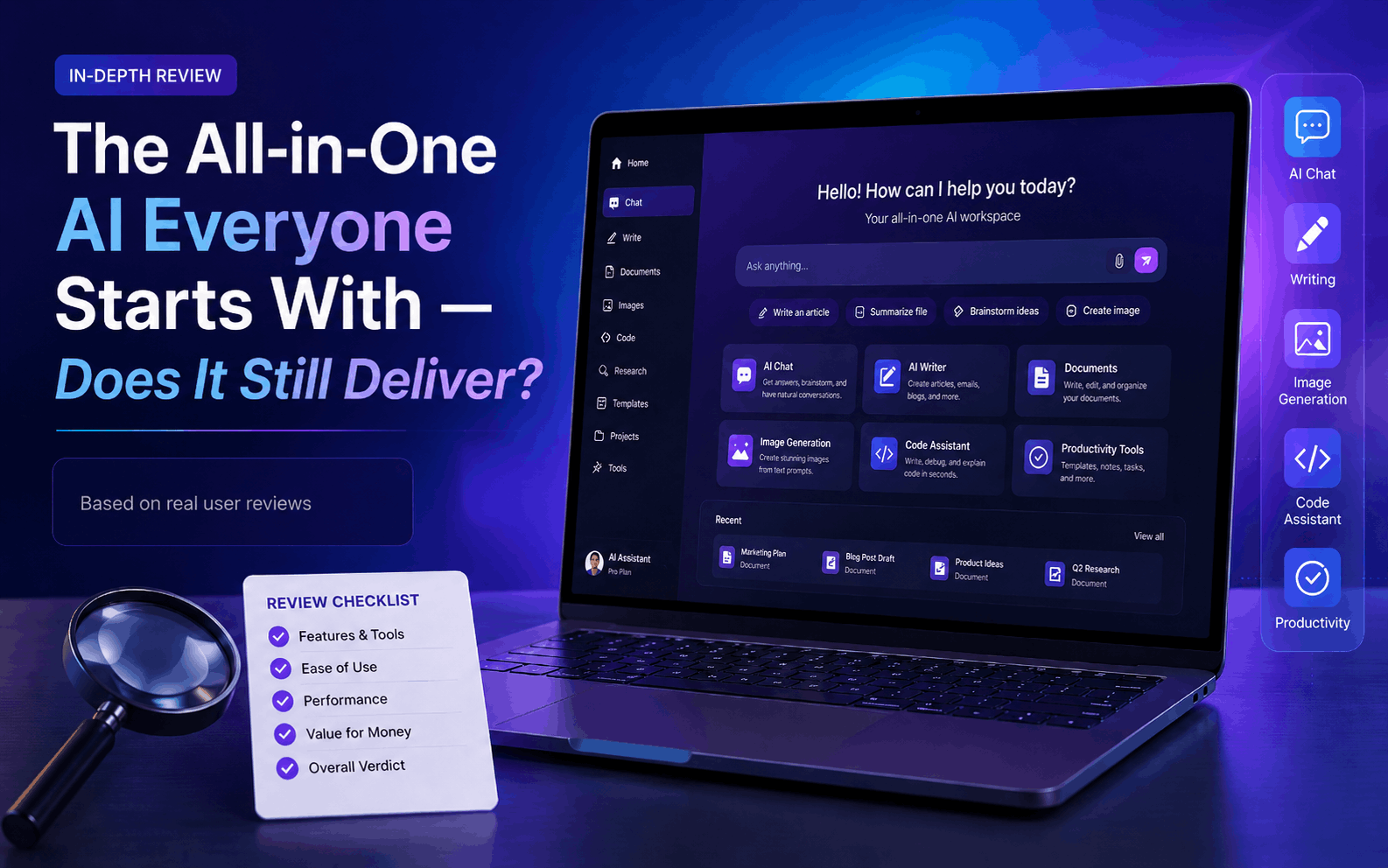
The broadest all-round AI app for everyday use.
 Research8.8
AI research with sources you can verify.